Pizza Booking-delivery App
Figma, ProtopieProblem Statement
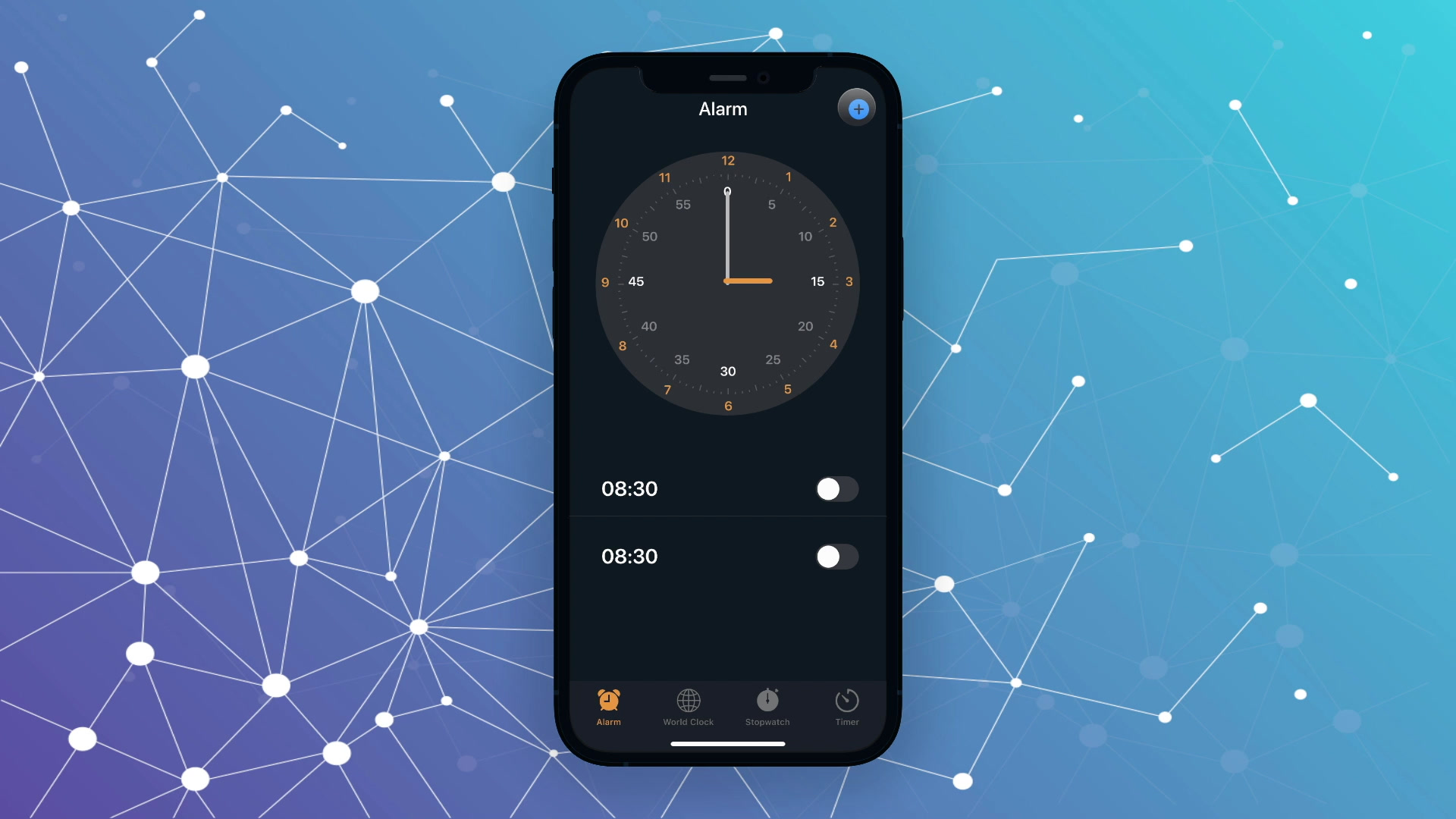
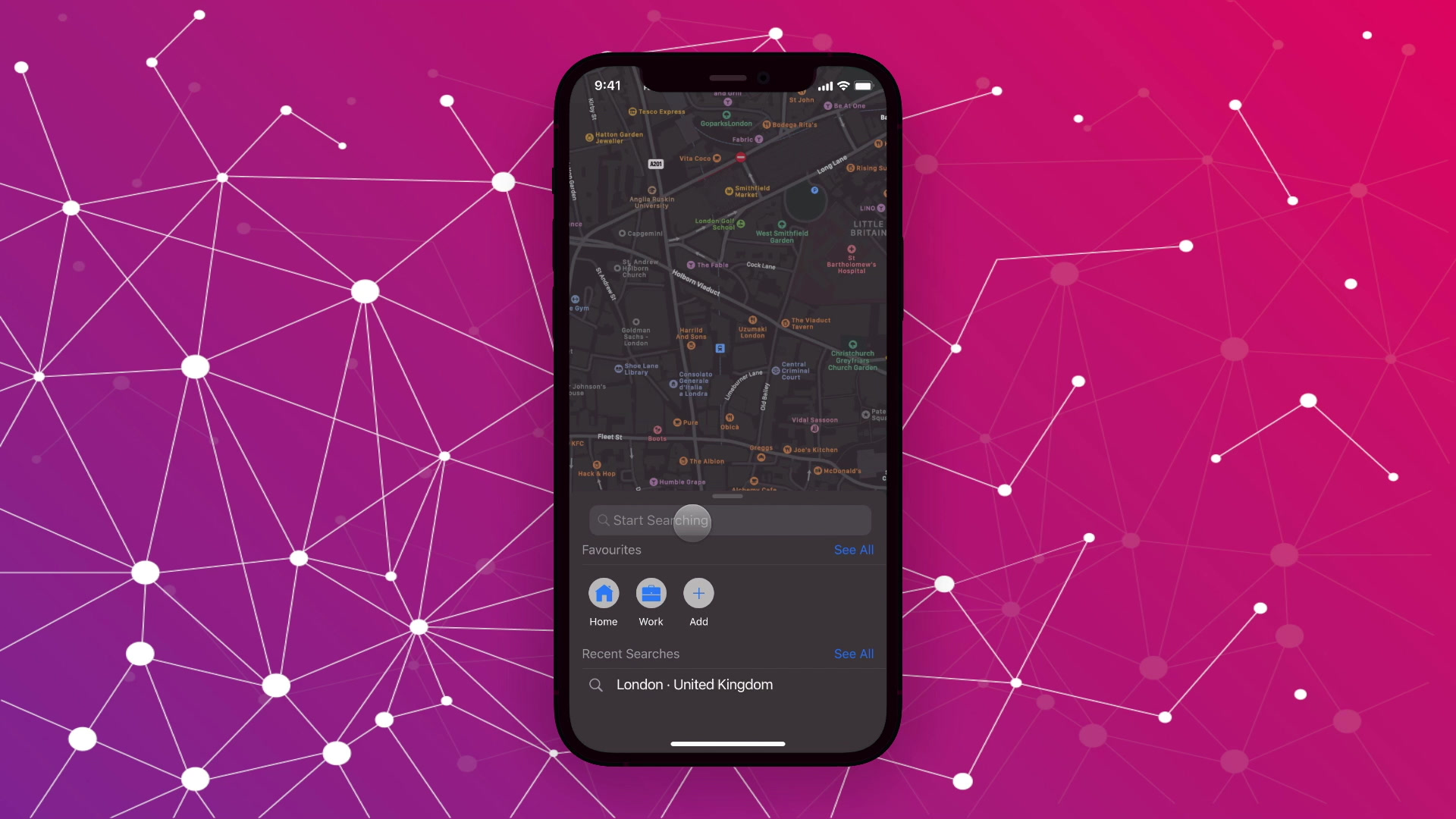
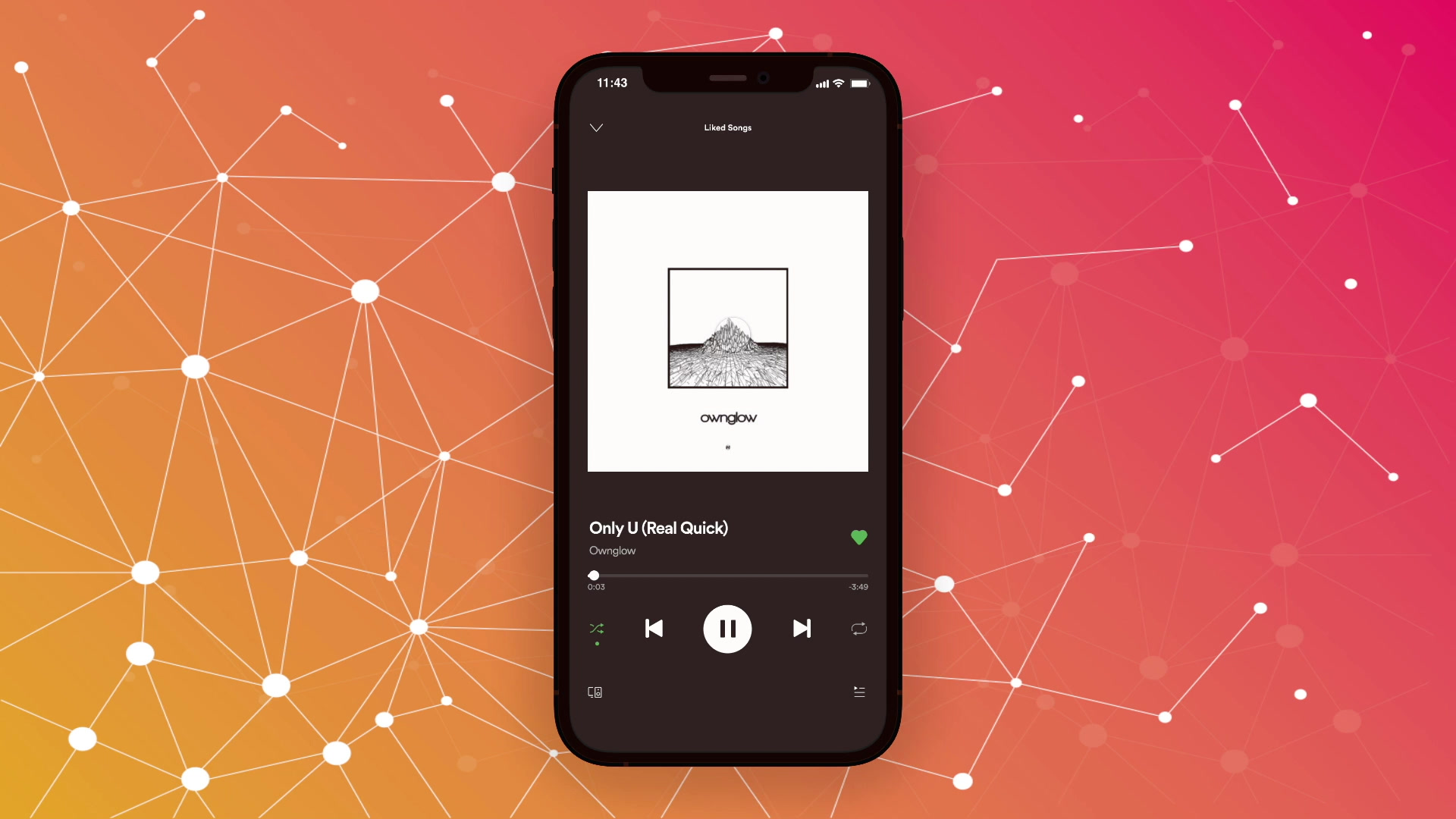
In my experience, Pizza booking-delivery apps like Dominos and Pizza Hut do a decent job of allowing the user to navigate through the app, where the user searches for the pizza or the side and adds to cart and places the order for the same, but what they lack is the human touch to it, it feels quite automated and monotonous to scroll through a 2x1 or a 2x2 grid with static images depicting what you are about to buy. The interactions, for example, adding toppings or selecting the pizza size, are dead, with the only response to performing that action shown on the checkout screen. Seeing this, I decided to approach this problem intuitively to create an experience that feels more natural and human.
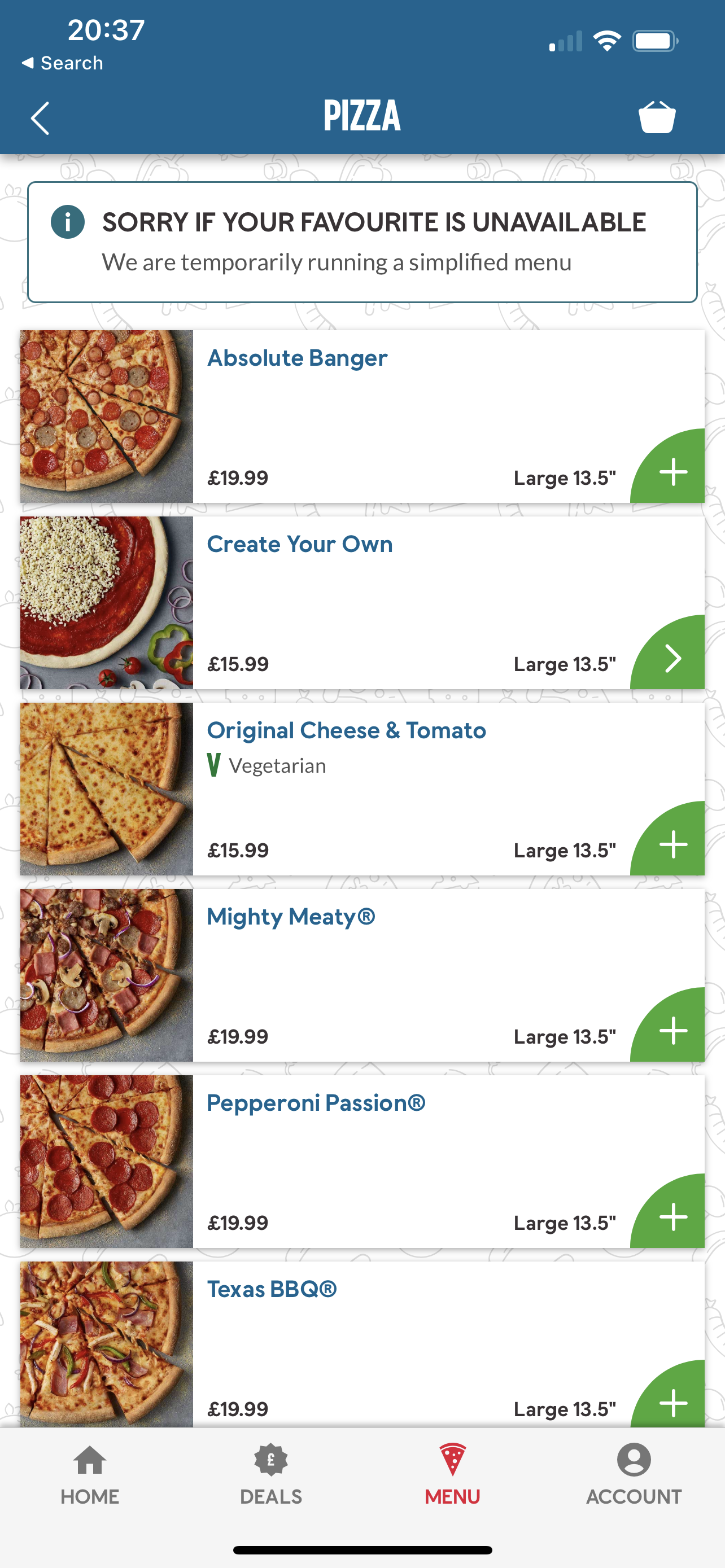
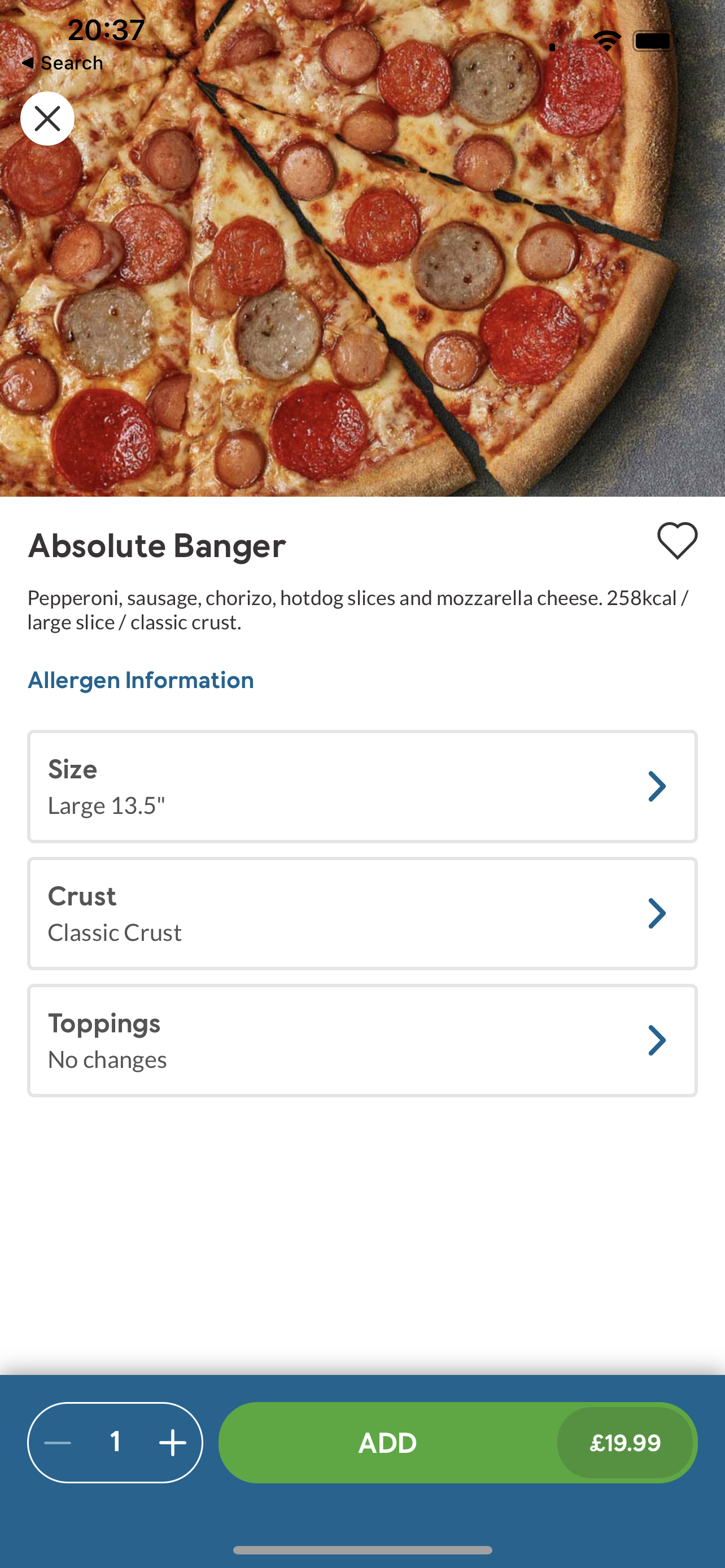
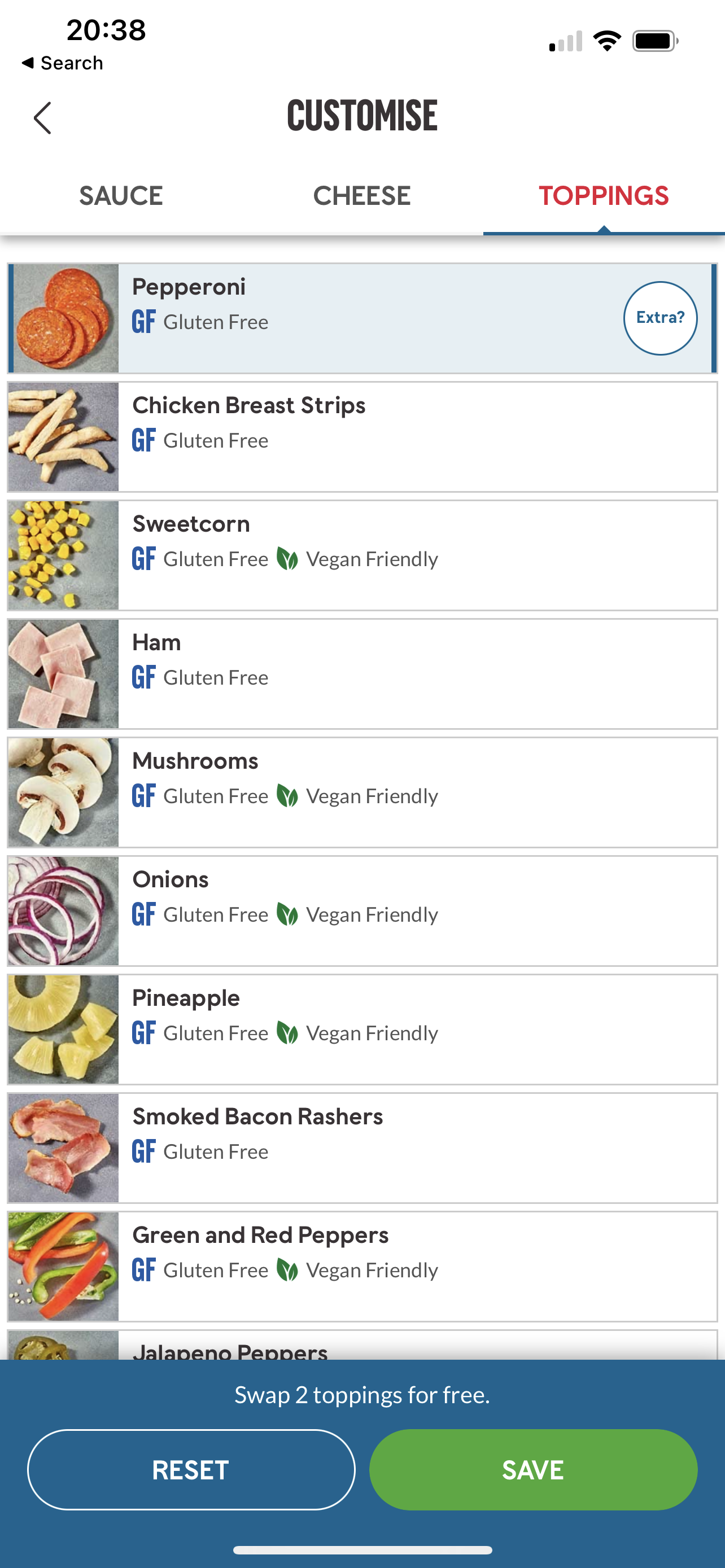
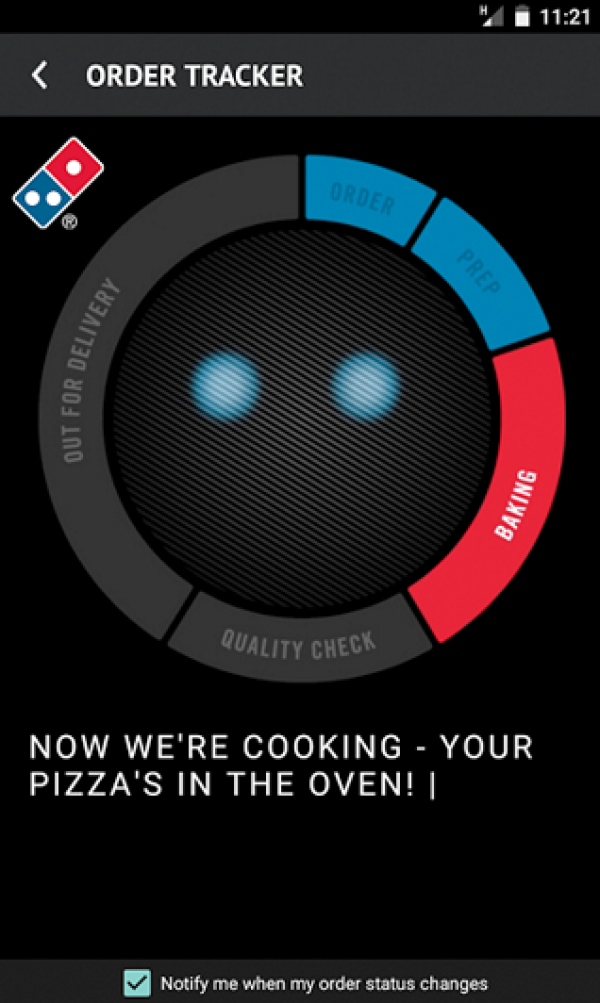
Now, if you look at these images, you will find the following issues clearly shown:
- Single monotonous selection row of pizzas.
- Presentation of toppings is also present the same way the pizzas are present (a single row with multiple options to choose from).
- When it comes to choosing the pizza size the user is shown options with a giant picture of the pizza which is static.
- The order tracking screen shows an animated circular tracker which acts like a non-interactable bot that displays updated information.
My Solution
I propose a solution to the above-mentioned problem by redesigning the pizza selection interface with new/unique interactions when the user selects a pizza and minimizing the extra clicks present in the actual app to select the size and the toppings (which are present on a completely different screen).
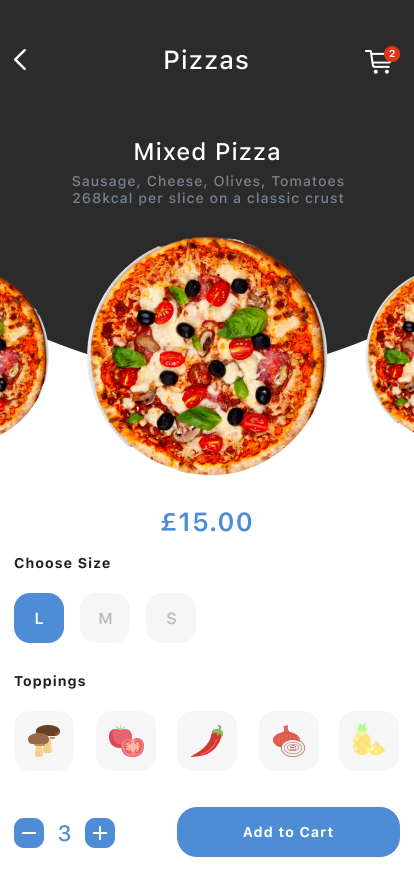
- Adding the pizzas as fling-to-see the pizza the user wants to order with details of the pizza shown above it.
- The size of the pizza and toppings available for it are shown on the same screen with interactions that mimic the real world.
- Adding smoothing to animations when transitioning from one screen to the other.
- Adding new animations which replace the bot with human avatars depicting the real state of the pizza preparation step.
- If the avatar is animated, it shows the current state of the order; if it is static and greyed out, the step is now completed.
These are the visuals designed in Figma of the redesigned screens,
Although I have tried to prototype the designs as much as possible to feel like an actual app, there are certain limitations to it, which cannot be covered unless it is properly coded (or maybe I haven't figured it out yet).
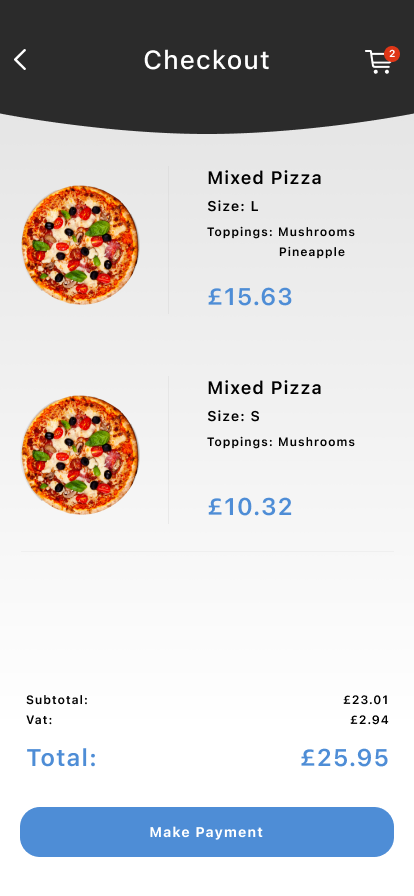
In this case, the user cannot view all the listings of pizzas. Also, not all the toppings are available for selection. As the user adds an item to the cart, not the same pizza is reflected on the checkout screen. In the order tracking screen, as this is just a prototype, the pizza tracker update is not real-time, so I timed it to give the readers a glimpse of how it can look if coded as an actual app. So i request the readers to add the mixed pizza of size L and size S to the cart with L having mushrooms and pineapple as toppings and S having just mushrooms as toppings.
As an open-source for everyone to view and edit the prototype according to their usage, I have provided the links for the source file, the cloud browsing, and the QR code to get started on your smartphones immediately.
Note: You need to have Protopie installed on your computer to edit source files.
Download Source File
Or click here to view in the browser.
Or scan this code from the Protopie Player App in your phone.

Scan with the Protopie Player app